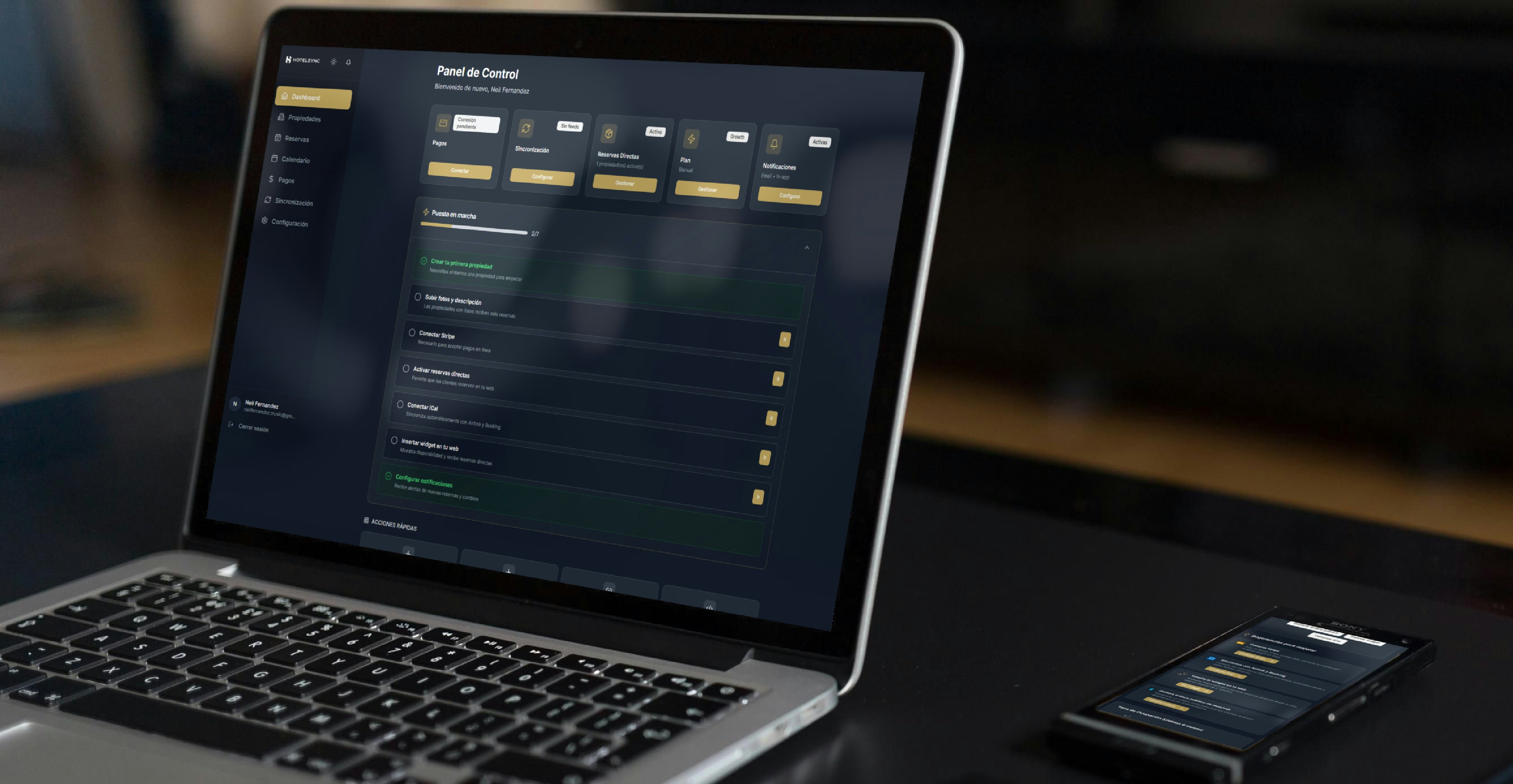
Lovable is the tool where a description, or a prepared design, actually becomes a working application, not just a frontend mockup. For designers specifically, it’s worth understanding properly rather than treating it as a generic “type what you want” box, because by 2026 it’s a genuinely capable full-stack builder, and using it well means knowing what it’s actually doing under the surface.
What Lovable is and who it’s great for
Lovable builds complete applications, frontend, backend, database, and authentication, from a natural-language description or an imported design. It’s particularly well suited to designers because of its Themes system, which centralises colour, typography, and spacing the same way a Figma design system would, and because it handles the backend layer automatically through Lovable Cloud, built on Supabase, so you’re not separately wiring up a database or authentication provider.
It’s the right tool when the goal is a real, working product with actual data and users, not just a clickable frontend prototype. For pure UI exploration without any backend need, a lighter tool might be faster, but for anything that needs to genuinely function, Lovable is built for exactly that.
Getting started
Create a Lovable account and start a new project. From there, you can begin with a written description, a screenshot of an existing app or site, or, most relevant here, an imported Figma file, Lovable accepts a Figma import directly as a starting point rather than requiring everything to be described from scratch in words.
Before typing anything, it’s worth having a clear, written plan, what the app does, its core screens, what data it needs to store. A detailed founding prompt that captures the full picture upfront consistently produces better results than a short prompt followed by a long string of corrections.
A real walkthrough: prompt to working app
Describe the app in detail in your first message, the screens, the core flow, and any specific data it needs to handle. Lovable generates an initial structure, frontend, pages, and basic logic, based on that description.
From there, request features in focused, single-change steps rather than bundling several requests into one message. Asking for the database and authentication together, and reviewing that before moving to the next feature, produces cleaner results than asking for five things simultaneously. When you need backend functionality, specifically request it, “save new entries to a database” or “add user login with email and password,” and Lovable Cloud sets up the necessary tables and authentication automatically, no separate account or manual configuration required.
Use Lovable’s Visual Edits mode for interface-level tweaks, spacing, colour, layout adjustments, since this updates the design directly without consuming generation credits, reserving the conversational prompts for genuine structural or logic changes.
Designer-specific tips: feeding it good context
This is where a designer’s instincts genuinely matter. Lovable’s output quality tracks closely with how much real context it’s given, the same way any AI tool’s does. A Figma import with consistent components and named layers converts more reliably than one without. A founding prompt that specifies actual user flows, not just “build me a task app,” produces something closer to what you actually pictured.
The discipline behind this, giving precise, structured information before generating anything rather than a vague request you’ll spend many follow-ups correcting, is what’s sometimes called context engineering, and it’s the single biggest factor separating a generic result from a usable one.
Getting your code out and next steps
Lovable supports syncing your project to GitHub, so the underlying code is genuinely yours, not locked into the platform. This matters if a project needs to graduate beyond Lovable eventually, into a traditional codebase a developer continues working in, or simply for your own peace of mind about ownership.
Within the wider Figma-based pipeline this site teaches, Lovable is the final stage, the point where work prepared through Builder.io and refined with Claude becomes an actual deployed, working application rather than a well-structured frontend.
FAQ
Do I need coding experience to use Lovable?
No, that’s specifically the gap it’s built to close. Some comfort reading code helps with reviewing what’s generated, but isn’t required to use the tool itself.
How does Lovable handle a database without me setting one up?
Through Lovable Cloud, built on Supabase, which creates the necessary tables and connections automatically when you request database functionality, no separate account needed.
Can I import an existing Figma design rather than describing everything from scratch?
Yes, Figma import is one of the supported starting points, alongside screenshots and written descriptions.
What happens if I run out of generation credits?
Each AI generation uses credits, with more complex requests using more. Using Visual Edits for interface tweaks rather than chat prompts, and batching changes thoughtfully rather than making many small individual requests, makes your credit allowance go further.
Where this fits
Lovable is the build-and-deploy stage of the complete guide to converting Figma to code, Figma to Builder.io to Claude to Lovable. Used well, with the planning and context discipline covered here, it’s genuinely capable of producing a real, deployed product, not just a prototype. The Flux Coding Framework teaches the complete method end to end, including how each stage of that pipeline hands off to the next.
For the judgement that keeps an AI-built product useful, see Vibe Coding for Designers. If you’re deciding how to translate a Figma file before this stage, compare the Figma to Code Plugins and Tools.
For AI development training for teams, explore the workshops and support available through my services.